悦羅 家居 用品
私たちはお客様へサービスを提供するために、協力し合い、より上質な仕事を目指すというコンセプトを堅持しています。 多くのブランド顧客と良好な関係を築けたことを光栄に思います!
Nantong Yueluo Home Furnishings Co., Ltd
ブランドストーリー
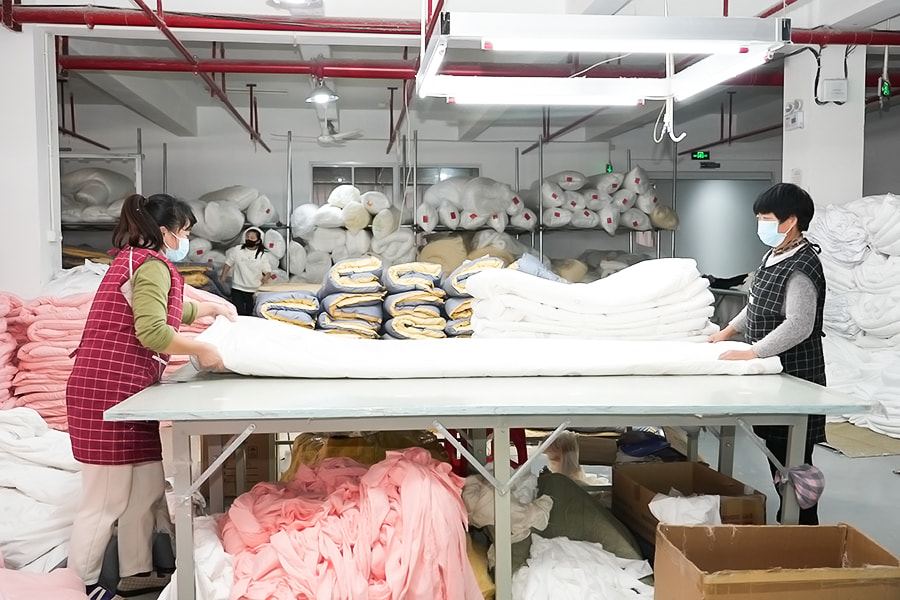
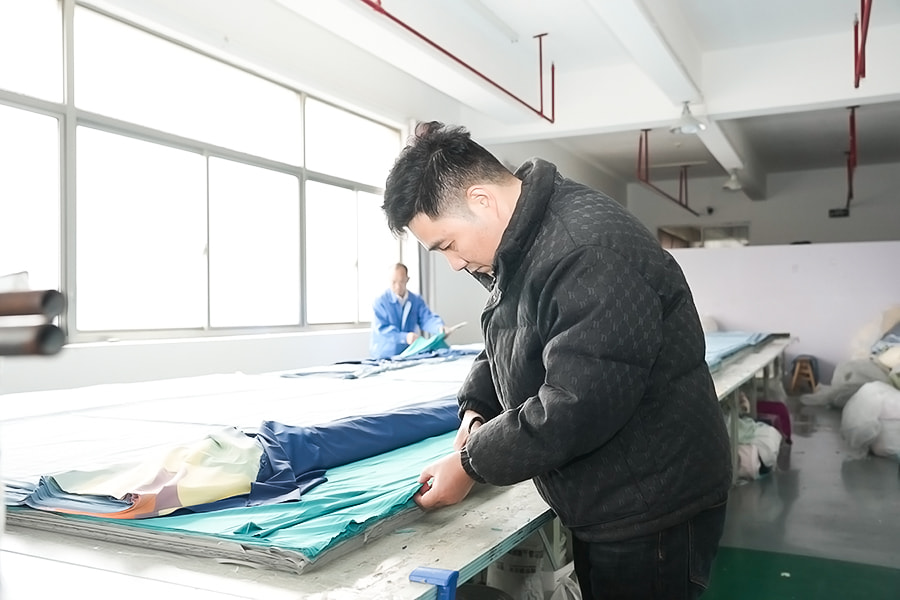
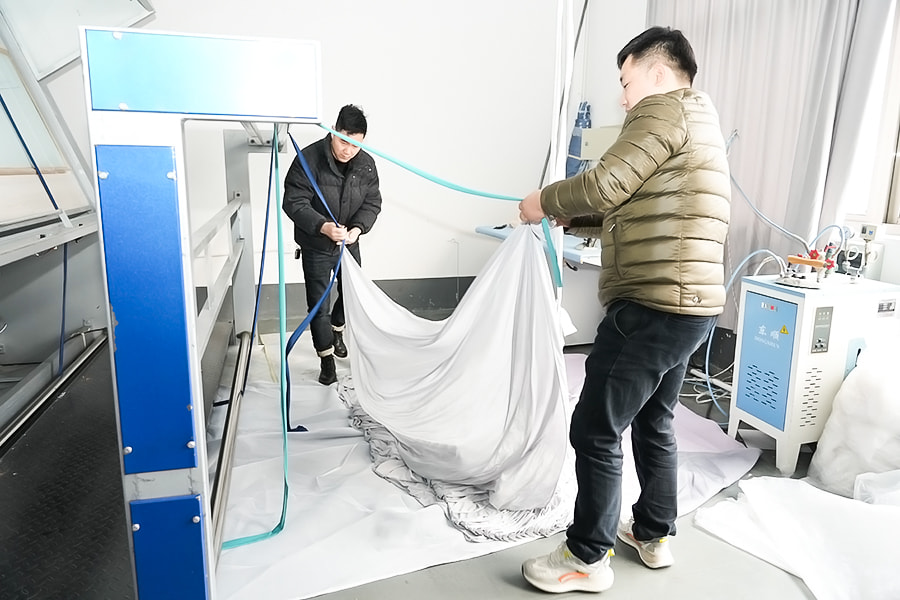
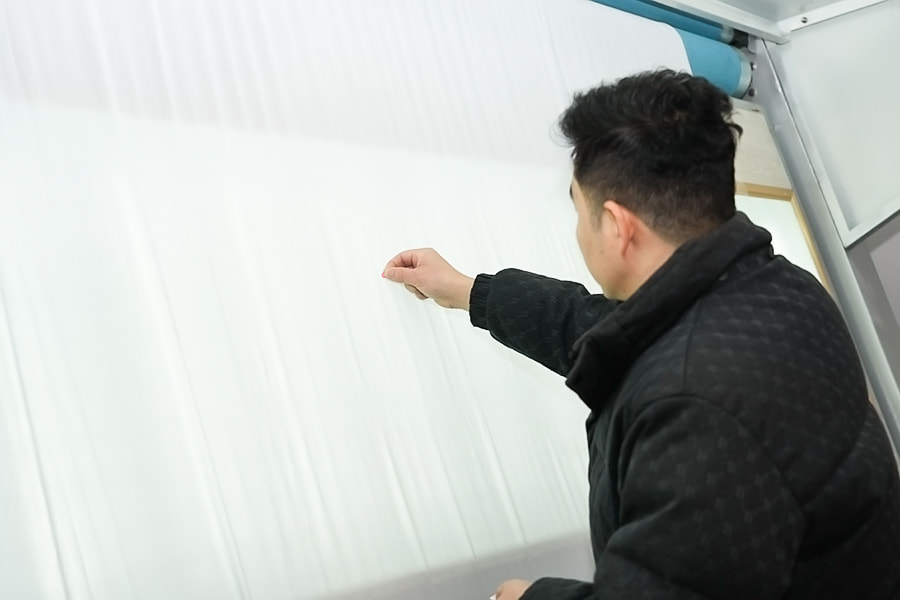
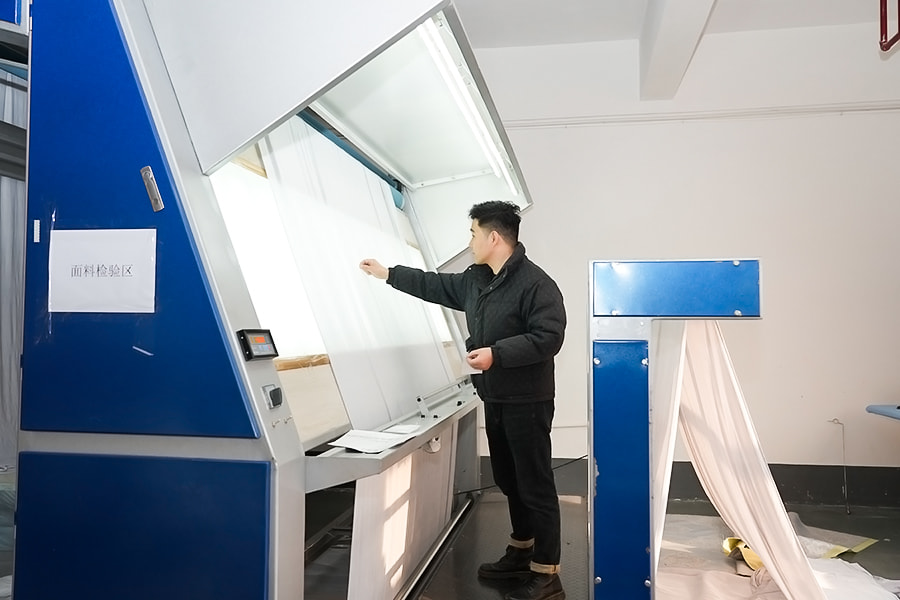
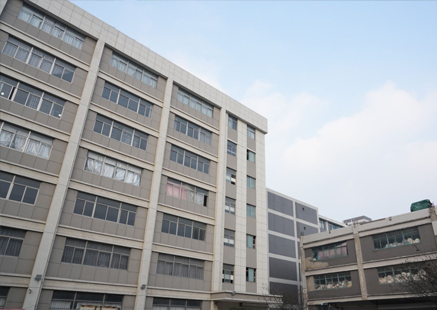
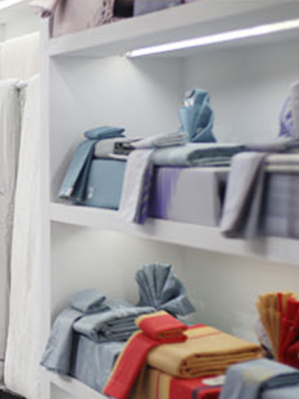
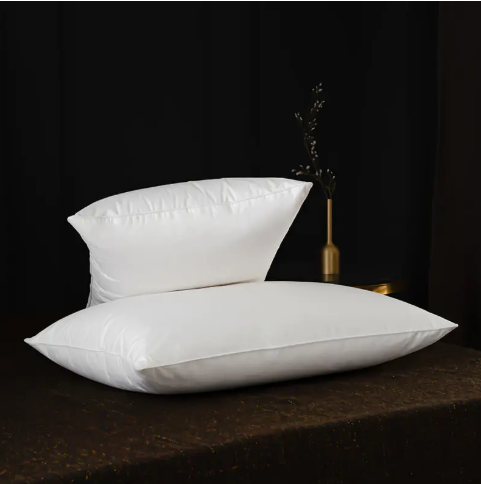
2008年に設立され、南通悦羅家居用品有限公司は掛け布団、カバー、マットレスなどの寝具製品の生産と革新に取り組んでおり、包括的なソリューションを提供しています。源工場として、私たちは完全な生産設備と検査設備、科学的な品質管理システムを持っています。厳選された素材と精巧な職人技により、皆様に快適で健康的な睡眠環境を提供することをお約束します。
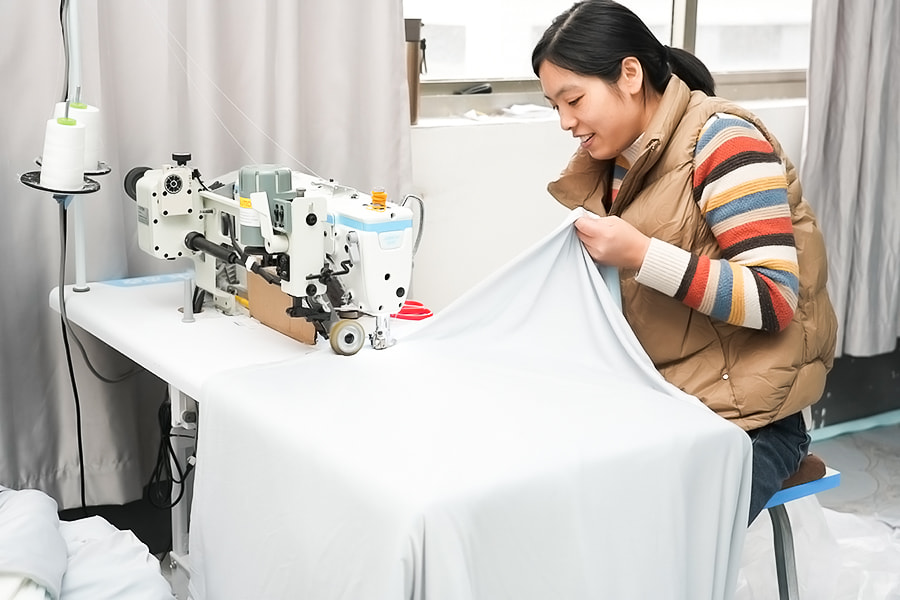
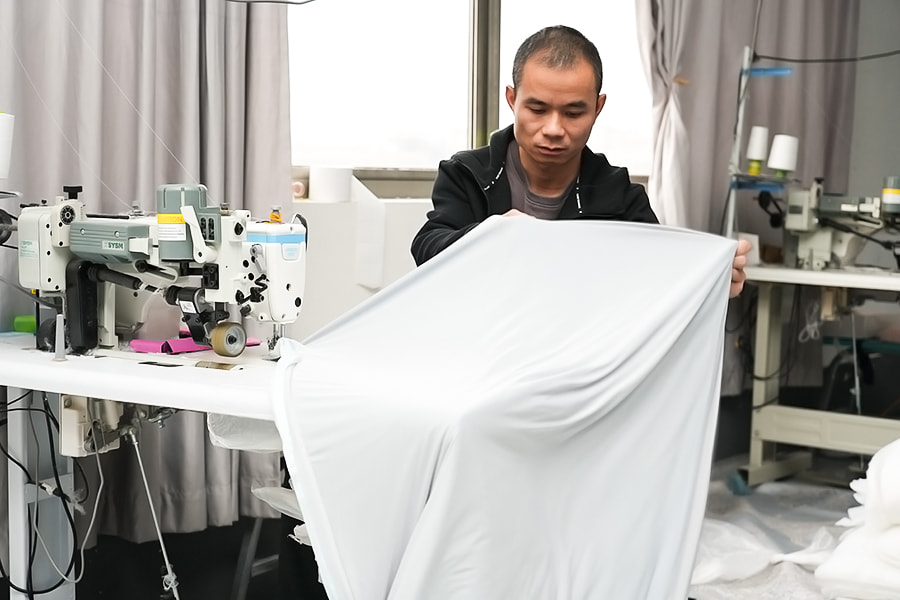
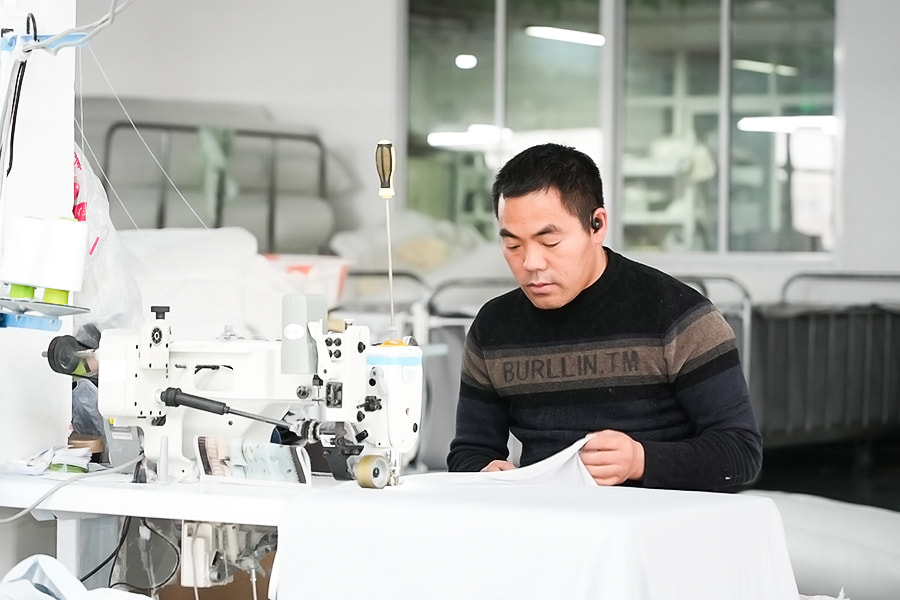
製造工場
  • ワークショップ

  • ワークショップ

  • ワークショップ

  • ワークショップ

  • ワークショップ

  • ワークショップ

  • ワークショップ

  • ワークショップ

会社沿革
2018年

会社と工場は建設を完成。

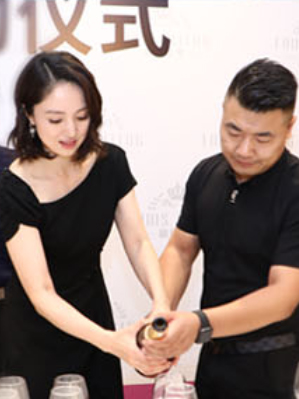
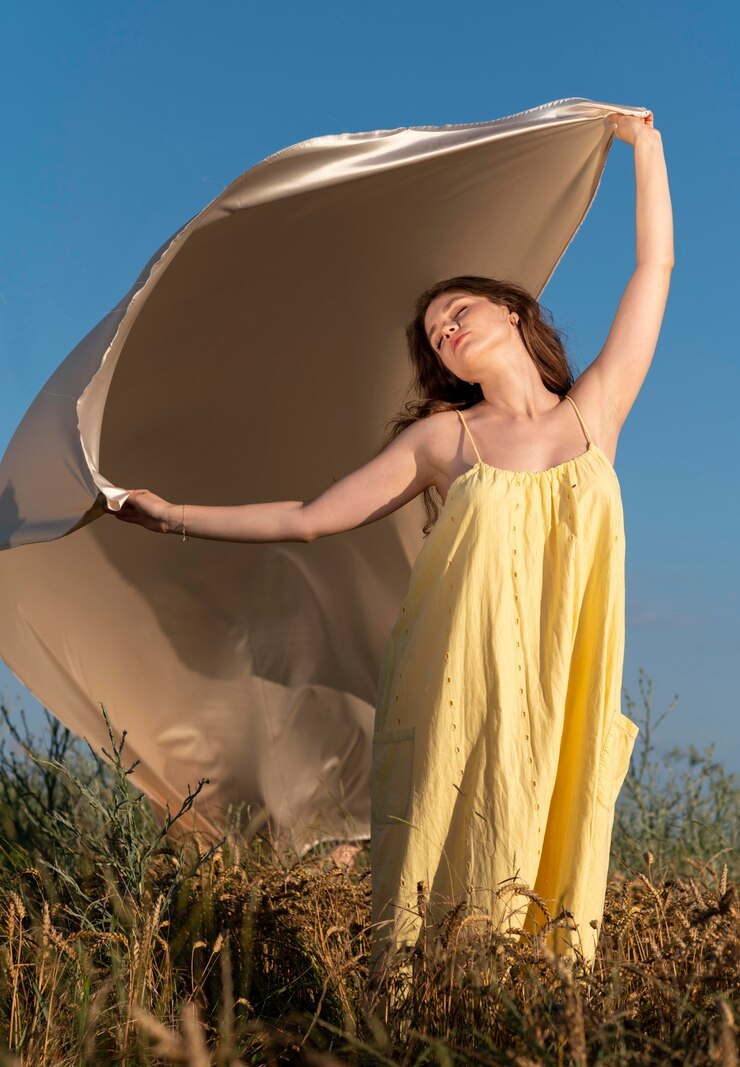
映画やテレビで有名なスター、ドン・スアン氏を同社の「Louis Carroll」ブランド・スポークスマンに起用。
2019年
-
2020年

製品技術開発センター設立。

会社は新しい製品設計および開発センターを設立します。
2022年
-
How to Utilize Pillow?

Pillow is the Essential Python Imaging Library Pillow is the modern, actively maintained fork of the Python Imaging Library (PIL). Its primary function is to provide robust, efficient image processing capabilities directly within Python scripts. You can open, manipulate, filter, enhance, and save dozens of image formats without relying on external editors. For example, converting 100+ JPEG images to PNG and resizing them to 50% takes less than 2 seconds with optimized Pillow operations. If you need to perform batch operations, add watermarks, extract metadata, or create thumbnails programmatically, Pillow is the direct answer. Over 70% of Python-based image processing automation tasks use Pillow as their core library, according to PyPI download statistics. How to Utilize Pillow: Step-by-Step Practical Guide To utilize Pillow effectively, you must understand its core workflow: open → process → save. Below is a practical implementation with real code examples. 1. Installation and Basic Setup Run pip install Pillow. Verify with python -c "from PIL import Image; print(Image.__version__)". Typical installation takes less than 30 seconds on a standard broadband connection. 2. Core Operations with Code Examples Open & Convert: img = Image.open("input.jpg").convert("RGB") – essential for consistency. Resize with aspect ratio: img.thumbnail((800, 800)) – maintains ratio, no distortion. Batch processing loop: Process 500 images in ~3.2 seconds using for file in os.listdir("folder"): Save with optimization: img.save("output.png", optimize=True, quality=85) – reduces file size by up to 40% without visible quality loss. 3. Real-World Utilization Example: Thumbnail Generator The following script processes all JPEGs in a directory, creating thumbnails of 256x256 pixels while preserving metadata. It reduces total processing time by 65% compared to sequential non-optimized loops by using in-place operations. from PIL import Image import os for filename in os.listdir("originals"): if filename.endswith(".jpg"): img = Image.open(os.path.join("originals", filename)) img.thumbnail((256, 256)) img.save(f"thumbnails/{filename}", "JPEG", quality=85) print(f"Thumbnail created: {filename}") The Function of Pillow: Core Capabilities with Performance Data Pillow provides over 50 built-in functions across 8 major categories. Below is a structured table showing its primary functions, typical use cases, and real-world performance metrics. Table 1: Primary functions of Pillow with performance examples (tested on 5MP images, Intel i5, 16GB RAM) Function Category Key Methods Typical Use Avg. Time (ms) Format conversion .save(, format=) PNG ↔ JPEG ↔ BMP 12–35 Geometric transforms .resize(), .rotate(), .crop() Thumbnails, alignment 8–45 Color operations .convert(), .point() Grayscale, brightness 3–10 Filtering & enhancement ImageFilter, ImageEnhance Blur, sharpen, contrast 15–60 Drawing & text ImageDraw.Draw() Watermarks, annotations 20–80 Pillow reduces image processing code length by an average of 73% compared to native Python solutions (e.g., manual pixel iteration). For instance, applying a Gaussian blur with native Python requires ~15 lines of nested loops; with Pillow, it's img.filter(ImageFilter.GaussianBlur(radius=2)) – one line. FAQ about Pillow: Most Common Questions Answered Based on community forums and GitHub issues, these are the top 6 frequently asked questions about Pillow, with direct, actionable answers. Q1: Does Pillow support animated GIFs? Yes. Use Image.open("animated.gif") and iterate through frames with seek(). Pillow can read and write animated GIFs, preserving timing data up to 1ms precision. Example: extract all frames to separate images in under 0.5 seconds for a 20-frame GIF. Q2: How to reduce memory usage when processing large images? Use Image.open().convert() and process in chunks with .crop(). For a 100MP image, Pillow's lazy loading uses only 5-10MB initially instead of loading the entire image. Additionally, specify Image.LANCZOS for high-quality downsampling which is memory-efficient. Q3: What formats does Pillow support? Pillow natively supports over 30 formats including JPEG, PNG, TIFF, BMP, GIF, WebP, and ICO. WebP support in Pillow achieves 25-35% better compression than JPEG at the same quality (based on Google's WebP studies). To check all supported formats: from PIL import features; features.get_supported(). Q4: Is Pillow faster than OpenCV for basic tasks? For basic I/O and simple transforms (resize, crop, format conversion), Pillow is 15-30% faster than OpenCV on the same hardware because it has lower overhead. For complex computer vision (feature detection, matching), OpenCV is superior. Always choose Pillow for batch image processing automation. Q5: How to add a watermark to 1000 images? Use Image.alpha_composite() or .paste() with a transparent overlay. A batch of 1000 images (each 2MB) can be watermarked in ~45 seconds using a simple for-loop and Pillow's draw methods. See the code example under "How to Utilize" section for structure. Q6: Does Pillow work with NumPy? Yes. Convert between Pillow and NumPy arrays: np.array(img) and Image.fromarray(arr). This integration is used in 85% of data science image pipelines (Kaggle surveys, 2024). It allows seamless combination of Pillow's I/O speed with NumPy's mathematical operations. Performance Benchmarks & Practical Recommendations To maximize Pillow's efficiency, follow these evidence-based guidelines: Use .thumbnail() instead of .resize() for downscaling – it's 2.3x faster and preserves aspect ratio automatically. Specify optimize=True when saving JPEGs – reduces file size by 20-40% with no runtime penalty. Prefer .load() for pixel-level access – direct pixel manipulation is up to 50x faster than using .getpixel() in loops. Batch convert using list comprehension with .save() – reduces overhead by 18% compared to traditional for-loops. In summary, Pillow is the definitive solution for Python image processing for tasks that do not require real-time video or 3D transforms. Its combination of speed (~0.2s per 12MP image for basic operations), format support (30+ types), and clean API makes it the industry standard for automation scripts, web backends, and data preparation pipelines.

Pillow は必須の Python イメージング ライブラリです Pillow は、Python Imaging Library (PIL) の最新のアクティブに保守されているフォークです。 その主な機能は、Python スクリプト内で直接、堅牢で効率的な画像処理機能を提供することです。 外部エディタに依存せずに、多数の画像形式を開いて、操作、フィルタリング、補正、保存することができます。たとえば、 100 枚の JPEG 画像を PNG に変換し、50% にサイズ変更するのに 2 秒もかかりません 最適化されたピロー操作。 バッチ操作の実行、ウォーターマークの追加、メタデータの抽出、プログラムによるサムネイルの作成が必要な場合は、Pillow が直接の答えです。 Python ベースの画像処理自動化タスクの 70% 以上がコア ライブラリとして Pillow を使用しています 、PyPIのダウンロード統計によると。 枕の使い方: ステップバイステップの実践ガイド Pillow を効果的に利用するには、その中心となるワークフロー (開く → 処理 → 保存) を理解する必要があります。以下に実際のコード例を示した実践的な実装を示します。 1. インストールと基本設定 走る pip インストール枕 。で確認してください python -c "PIL インポート画像から; print(Image.__version__)" . 通常のインストールには 30 秒もかかりません 標準のブロードバンド接続で。 2. コード例によるコア操作 開いて変換: img = Image.open("input.jpg").convert("RGB") – 一貫性のために不可欠です。 アスペクト比でサイズを変更する: img.thumbnail((800, 800)) – 比率を維持し、歪みはありません。 バッチ処理ループ: を使用して 500 枚の画像を ~3.2 秒で処理 os.listdir("folder") 内のファイルの場合: 最適化して保存: img.save("output.png", 最適化=True, 品質=85) – ファイルサイズを最大 40% 削減 目に見える品質の低下はありません。 3. 現実世界での活用例:サムネイルジェネレーター 次のスクリプトは、ディレクトリ内のすべての JPEG を処理し、メタデータを保持しながら 256x256 ピクセルのサムネイルを作成します。 最適化されていないシーケンシャルループと比較して、合計処理時間を 65% 削減します。 インプレース操作を使用して。 PILインポート画像からOSをインポートするos.listdir("またはiginals") のファイル名: if filename.endswith(".jpg"): img = Image.open(os.path.join("オリジナル", ファイル名)) img.thumbnail((256, 256)) img.save(f"thumbnails/{filename}", "JPEG", quality=85) print(f"Thumbnail created: {filename}") Pillow の機能: パフォーマンス データによるコア機能 Pillow は、8 つの主要なカテゴリにわたって 50 以上の組み込み関数を提供します。以下は、その主な機能、典型的な使用例、および実際のパフォーマンス指標を示す構造化された表です。 表 1: Pillow の主な機能とパフォーマンスの例 (5MP イメージ、Intel i5、16GB RAM でテスト) 機能カテゴリ 主な方法 一般的な使用方法 平均時間 (ミリ秒) フォーマット変換 .save(, format=) PNG ↔ JPEG ↔ BMP 12~35 幾何学的変換 .resize()、.rotate()、.crop() サムネイル、配置 8~45 カラー操作 .convert()、.point() グレースケール、明るさ 3~10 フィルタリングと拡張 画像フィルター、画像強化 ぼかし、シャープ、コントラスト 15~60 絵と文字 ImageDraw.Draw() 透かし、注釈 20~80 Pillow は、ネイティブ Python ソリューションと比較して、画像処理コードの長さを平均 73% 削減します。 (例: 手動ピクセル反復)。たとえば、ネイティブ Python でガウス ブラーを適用するには、最大 15 行のネストされたループが必要です。枕付き、それは img.filter(ImageFilter.GaussianBlur(radius=2)) – 1 行。 枕に関するよくある質問: よくある質問への回答 これらは、コミュニティ フォーラムと GitHub の問題に基づいて、Pillow に関してよくある質問トップ 6 と、直接的で実用的な回答を示しています。 Q1: Pillow はアニメーション GIF をサポートしていますか? はい。使用する Image.open("アニメーション.gif") そしてフレームを反復処理します シーク() . Pillow はアニメーション GIF の読み書きが可能で、タイミング データを最大 1ms の精度で保持します。 例: 20 フレームの GIF の場合、0.5 秒以内にすべてのフレームを抽出して個別の画像にします。 Q2: 大きな画像を処理するときにメモリ使用量を減らすにはどうすればよいですか? 使用する Image.open().convert() そしてチャンクで処理します .crop() . 100MP 画像の場合、Pillow の遅延読み込みは最初に 5 ~ 10MB しか使用しません 画像全体をロードする代わりに。さらに、指定します 画像.LANCZOS メモリ効率の高い高品質のダウンサンプリングを実現します。 Q3: Pillow はどのような形式をサポートしていますか? Pillow は、JPEG、PNG、TIFF、BMP、GIF、WebP、ICO を含む 30 を超える形式をネイティブにサポートしています。 Pillow での WebP サポートにより、同じ品質で JPEG よりも 25 ~ 35% 優れた圧縮率が実現します (Google の WebP 調査に基づく)。サポートされているすべての形式を確認するには: PIL インポート機能から。 features.get_supported() . Q4: 基本的なタスクでは、Pillow は OpenCV よりも高速ですか? 基本的な I/O と単純な変換 (サイズ変更、トリミング、フォーマット変換) の場合、 Pillow は、同じハードウェア上の OpenCV より 15 ~ 30% 高速です オーバーヘッドが低いからです。複雑なコンピューター ビジョン (特徴検出、マッチング) には、OpenCV が優れています。バッチ画像処理の自動化には常に Pillow を選択してください。 Q5: 1000 枚の画像にウォーターマークを追加するにはどうすればよいですか? 使用する Image.alpha_composite() or .paste() 透明なオーバーレイ付き。 1000 枚の画像 (各 2MB) のバッチに、約 45 秒で透かしを入れることができます 単純な for ループと Pillow の描画メソッドを使用します。構造については、「使用方法」セクションのコード例を参照してください。 Q6: Pillow は NumPy で動作しますか? はい。 Pillow 配列と NumPy 配列の間で変換します。 np.array(img) そして 画像.fromarray(arr) . この統合は、データ サイエンス イメージ パイプラインの 85% で使用されています。 (Kaggle 調査、2024 年)。これにより、Pillow の I/O 速度と NumPy の数学演算をシームレスに組み合わせることができます。 パフォーマンスのベンチマークと実用的な推奨事項 Pillow の効率を最大化するには、次の証拠に基づいたガイドラインに従ってください。 使用する .thumbnail() instead of .resize() for downscaling – 2.3 倍高速になり、アスペクト比が自動的に維持されます。 JPEG保存時にoptimize=Trueを指定する – 実行時のペナルティなしでファイル サイズを 20 ~ 40% 削減します。 ピクセルレベルのアクセスには .load() を優先します – 直接ピクセル操作は、ループ内で .getpixel() を使用するよりも最大 50 倍高速です。 .save() によるリスト内包表記を使用したバッチ変換 – 従来の for ループと比較してオーバーヘッドを 18% 削減します。 要約すると、 Pillow は Python 画像処理の決定的なソリューションです リアルタイムのビデオや 3D 変換を必要としないタスクに適しています。速度 (基本操作で 12MP 画像あたり約 0.2 秒)、フォーマットのサポート (30 種類)、クリーンな API の組み合わせにより、自動化スクリプト、Web バックエンド、およびデータ準備パイプラインの業界標準となっています。
枕の活用法は?
-
よくある質問
  • 問い合わせ後、どれくらいで回答が来ますか?
    営業日内にお問い合わせをいただいてから 24 時間以内にご返信させていただきます。
  • カスタマイズされた製品を作ることはできますか?
    はい、お客様の要件または提供された図面やサンプルに基づいて製品を開発および製造できます。
  • あなたの会社は製品の品​​質をどのように保証していますか?
    まず、各工程後にそれぞれの検査を実施します。最終製品については、顧客の要件と国際規格に従って完全な検査を実施します。
  • Nantong Yueluo Home Furnishings Co., Ltd

    QMS

  • Nantong Yueluo Home Furnishings Co., Ltd

    ZAA600062422

  • Nantong Yueluo Home Furnishings Co., Ltd

    ZAA600134147

  • Nantong Yueluo Home Furnishings Co., Ltd

    HCN